Quick Start Guide · 15 · No coding needed
Set it up once on a Friday and stop thinking about it.
Eight chapters on taking your name out of the process: one command for the whole week, a clock that pulls it, a log that says what happened, and the handover that lets somebody else run it.
30-day money-back guarantee. Payment is handled by Paddle, our Merchant of Record. See the refund policy and terms.
Quick Start Guide · 15
Make It Run Without You
One command,
on a schedule
No coding needed
What's inside
Eight chapters, and the set ends here.
01
What "run without you" means
The goal in one sentence, the three things still worth your attention, and what this guide does not need.
02
Teaching the checker to fail
Exit codes in one paragraph, the two lines that stop a run, and a check for the page itself.
03
One command for the whole week
The runner line by line, what it refuses to do, and a second runner for a different week.
04
The log
What a log line looks like, where the file lives, and the five questions it answers in five seconds.
05
Putting it on a schedule
Mac and Windows, the honest list of reasons a job does not fire, and the first scheduled Friday.
06
The last manual step
Printing the page, the command-line export that could replace it, and what never to automate.
07
The handover
A five-line README, a demonstration in which you say nothing, and the three sentences you say out loud.
08
When it breaks
The four shapes a failure takes, reading the log to find which, and the recovery that always works.
Look inside
Three real pages from the 33-page PDF.
Rendered straight from the file you'll download — an explanation, a worked step, and a page from the build. No mock-ups, no stock screenshots of someone else's screen.
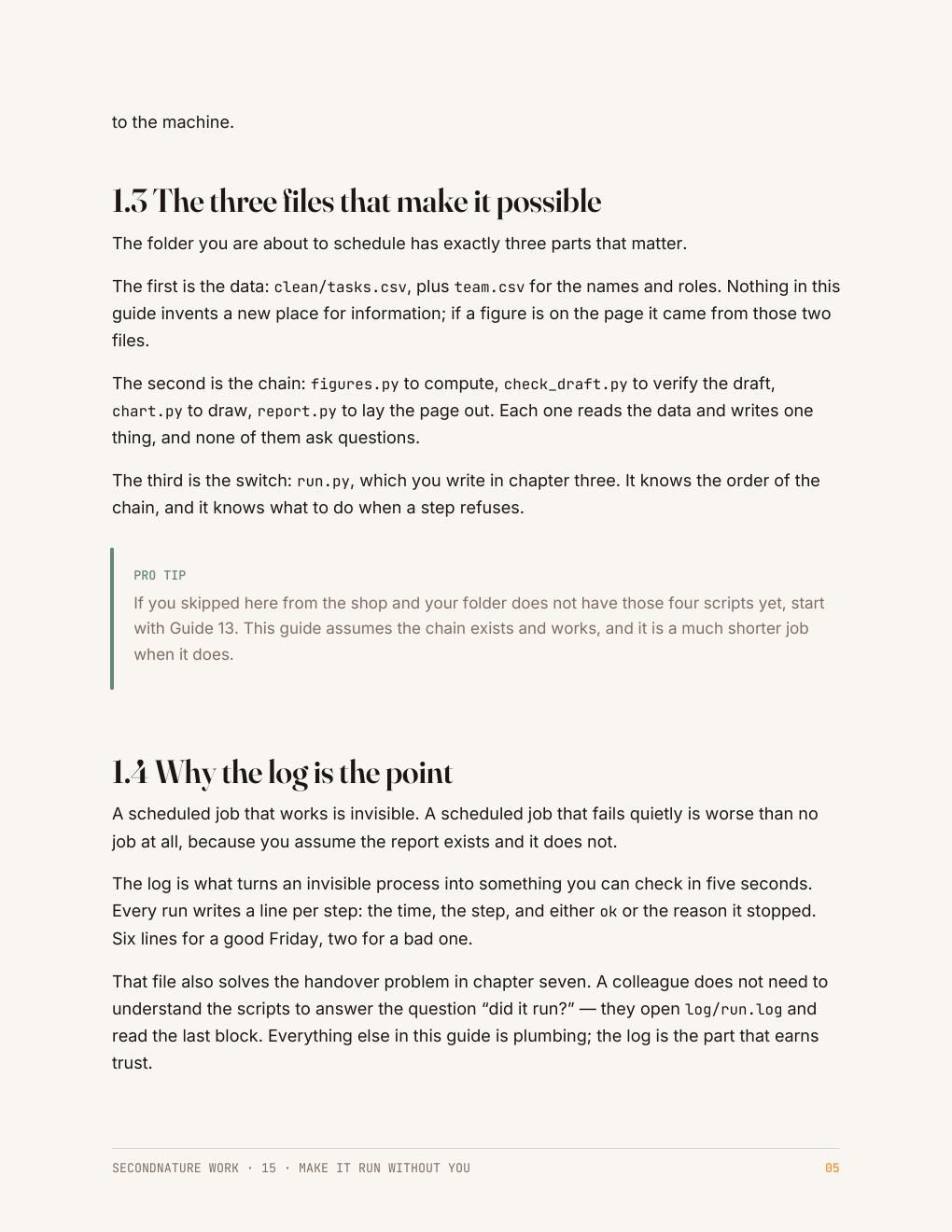
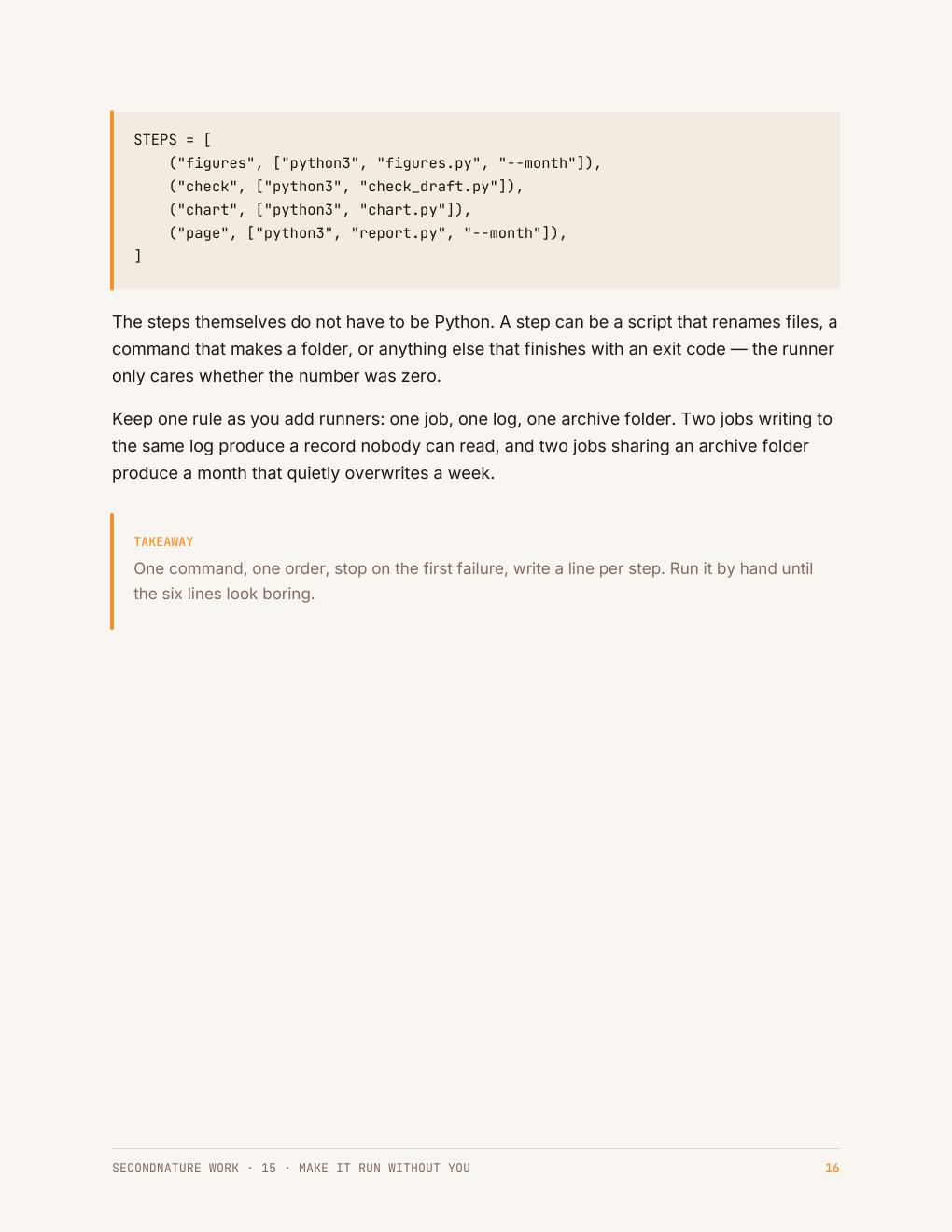
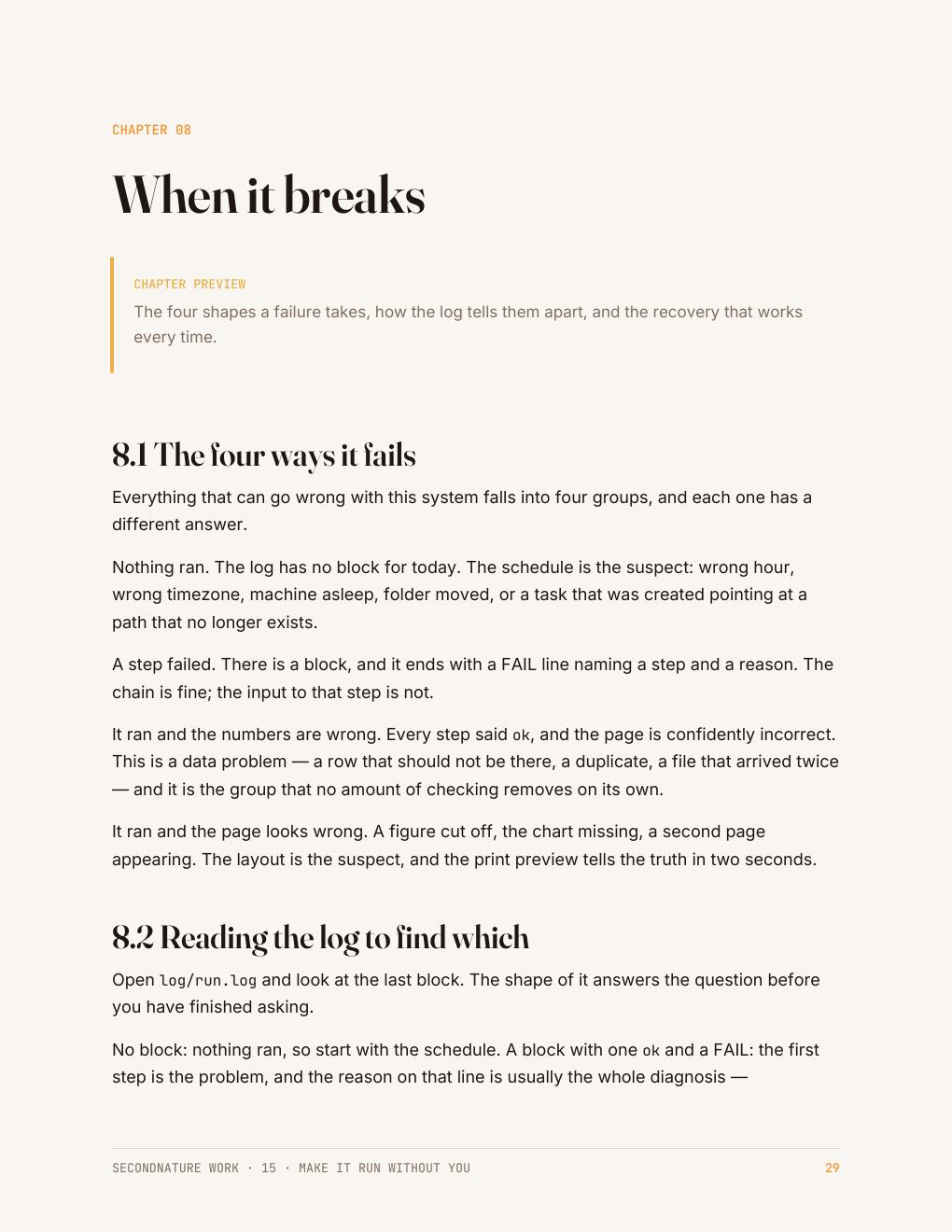
The Friday report — the one page the At Work set builds — is what these pages are working towards: the numbers pulled out of a file, checked, charted, and put in front of someone without you holding the process. See the rest of the collection →
Who it's for
People who are tired of being the only one who knows.
A system that only works when you remember it is not a system, it is another thing on your list. This guide puts the whole week behind one command and a clock.
It also covers the part nobody thinks about: handing it over so the report still appears when you are not the one running it.
Questions
Before you buy
Do I need a server or a special account?
No. It runs on your own machine with the scheduler that is already in the operating system.
What if my computer is asleep?
The guide covers cron, launchd and Task Scheduler, including which ones run a missed job when the machine wakes.
Do I need the other four guides?
You need a folder that already builds the report. If it does not, start with Guide 13 and come back.
What do I get after checkout?
An instant download link for a clean, print-friendly PDF. Yours to keep, on any device or printed.
The collection this belongs to
All five At Work guides for $64.
Automating a task you repeat, getting data out of a page, using AI at work and checking what it gives you, presenting your numbers so they get believed, and setting the week up to run without you. No coding experience needed.
Automate the Boring Part · Get Data Out of Anything · Use AI at Work · Make It Look Professional · Make It Run Without You · 165 pages in total
$64
$75 bought separately · save $11
Instant download · 30-day money-back guarantee · payment handled by Paddle.
The week builds itself now.
33 pages · $15 · instant download · yours to keep.
Free sample chapter
Read chapter one before you spend anything
Seven pages from the Python guide — the start of CheckMate, the small task tracker the code guides build. It shows you exactly how a guide reads: what the tool is for, where it fits in a real app, and how the next guide picks the project up. Send us an address and it lands in your inbox in a moment.