Quick Start Guide · 14 · No coding needed
One page they actually read on a Friday.
Eight chapters on the last mile: a chart that answers one question, a page with the decoration taken out, a layout that fits one sheet, and the two minutes of reading that make it look made rather than generated.
30-day money-back guarantee. Payment is handled by Paddle, our Merchant of Record. See the refund policy and terms.
Quick Start Guide · 14
Make It Look Professional
A one-page report
people read
No coding needed
What's inside
Eight chapters, one page at the end of them.
01
What a reader notices first
The twenty-second test, the four decisions that read as professional, and what not to copy from other reports.
02
A chart that answers one question
Choosing the question before the chart, twenty lines that draw it, and when a chart is the wrong answer.
03
Taking the decoration out
The grid, the legend and the rainbow: what was removed on purpose, and the one accent colour that stays.
04
The page
A plain HTML file with a small style block, the script that writes it, and the page it writes back.
05
Making it fit one page
The six spacing numbers that decide whether the footer lands on sheet two, and reading it on a phone.
06
Exporting the PDF
The print dialog, the one setting that gives an amateur away, and naming the file so it can be found.
07
The last two minutes
Reading it aloud for consistency, the sentence only you can write, and the one line that goes with it.
08
Keeping it repeatable
The folder at the end of the guide, the rule about editing output, and the five lines of README.
Look inside
Three real pages from the 33-page PDF.
Rendered straight from the file you'll download — an explanation, a worked step, and a page from the build. No mock-ups, no stock screenshots of someone else's screen.
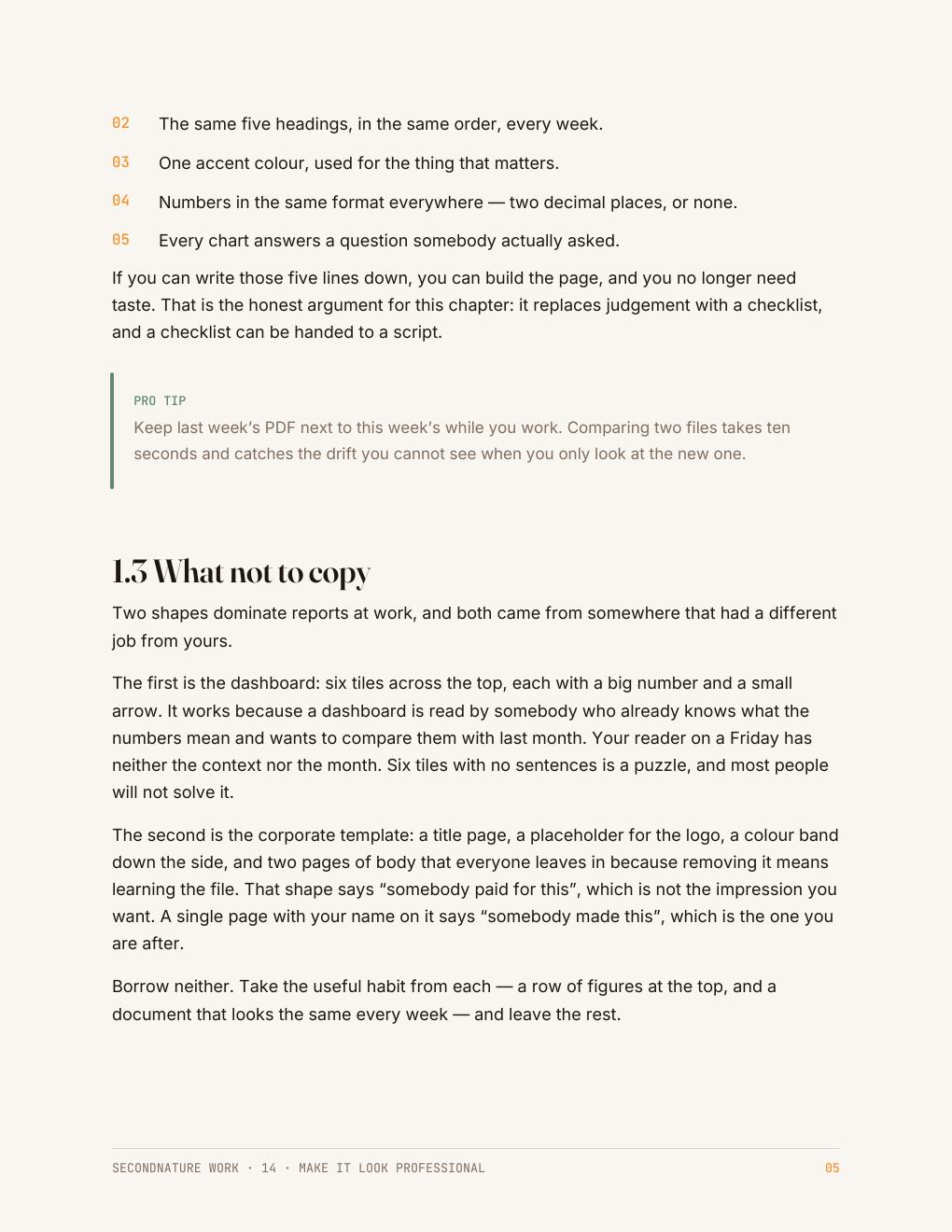
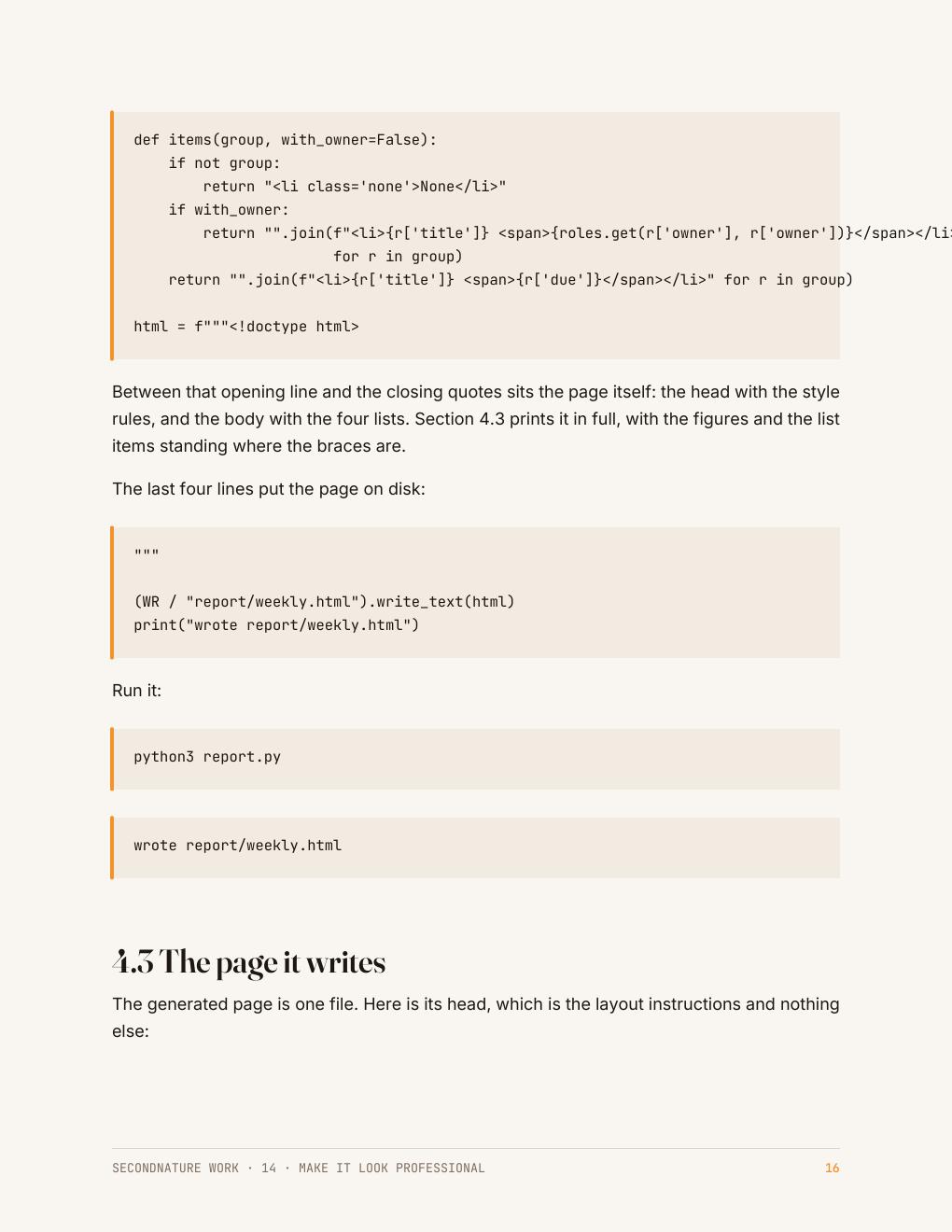
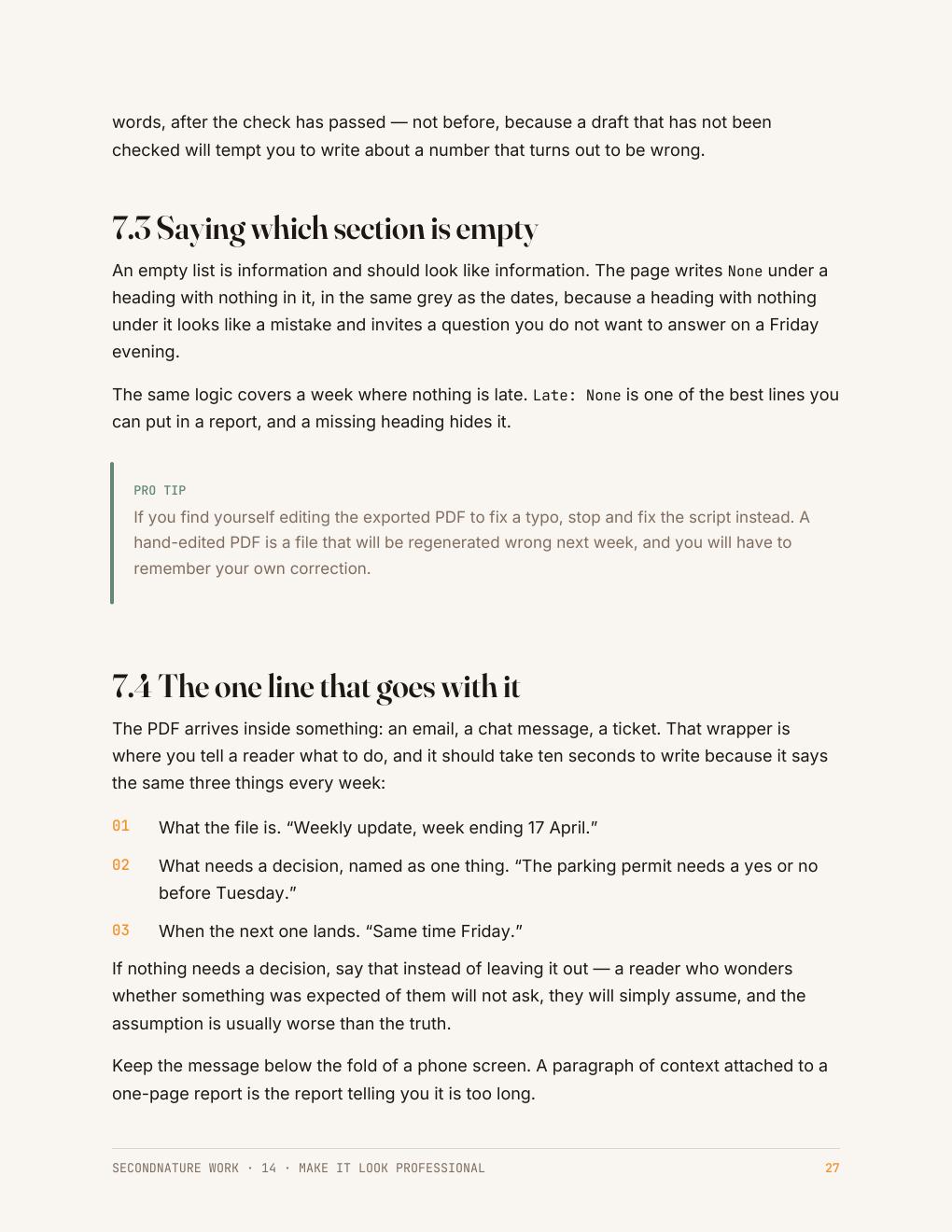
The Friday report — the one page the At Work set builds — is what these pages are working towards: the numbers pulled out of a file, checked, charted, and put in front of someone without you holding the process. See the rest of the collection →
Who it's for
People whose work is judged by a page they did not design.
You are competent at the job. The page you send is what a reader actually forms an opinion from, and it is the part nobody taught you.
This is a design guide written for people who will never open a design tool: a handful of decisions, applied the same way every week.
Questions
Before you buy
Do I need design software?
No. The layout is a plain text file your browser prints, and the chart is twenty lines of Python.
Will it match my company's branding?
The guide keeps colour and type in one place so you can swap in your own two decisions and keep everything else.
Why not just use a template?
A template has to be edited every week, and the editing is where the drift starts. This builds the page from your data instead.
What do I get after checkout?
An instant download link for a clean, print-friendly PDF. Yours to keep, on any device or printed.
The collection this belongs to
All five At Work guides for $64.
Automating a task you repeat, getting data out of a page, using AI at work and checking what it gives you, presenting your numbers so they get believed, and setting the week up to run without you. No coding experience needed.
Automate the Boring Part · Get Data Out of Anything · Use AI at Work · Make It Look Professional · Make It Run Without You · 165 pages in total
$64
$75 bought separately · save $11
Instant download · 30-day money-back guarantee · payment handled by Paddle.
A page that looks like somebody cared.
33 pages · $15 · instant download · yours to keep.
Free sample chapter
Read chapter one before you spend anything
Seven pages from the Python guide — the start of CheckMate, the small task tracker the code guides build. It shows you exactly how a guide reads: what the tool is for, where it fits in a real app, and how the next guide picks the project up. Send us an address and it lands in your inbox in a moment.