Quick Start Guide · 04 · Beginner
Make it interactive — with JavaScript.
Clicks, typing, changes on screen without a reload. JavaScript explained the way it's actually used, with a working app at the end of it.
30-day money-back guarantee. Payment is handled by Paddle, our Merchant of Record. See the refund policy and terms.
Quick Start Guide · 04
JavaScript
Make the page
respond
Beginner
What's inside
Seven chapters, from first alert to working app.
01
The third job of every app
Where JavaScript sits next to HTML and CSS, and what it means for code to run inside a browser.
02
The pieces you'll use daily
Variables, text, numbers, true and false, arrays — the small core that covers most real code.
03
Functions and decisions
Wrap work into a name you can call again, and let the code choose between paths without getting clever.
04
Talking to the page
Find elements, change text, add and remove things on screen — the DOM, explained in plain sentences.
05
Events: reacting to people
Clicks, typing, and form submits, handled properly — including why the page reloads and how to stop it.
06
CheckMate comes alive
Add, complete, and delete tasks in the browser, saved between visits, in a page you built yourself.
Look inside
Three real pages from the 24-page PDF.
Rendered straight from the file you'll download — an explanation, a worked step, and a page from the build. No mock-ups, no stock screenshots of someone else's screen.
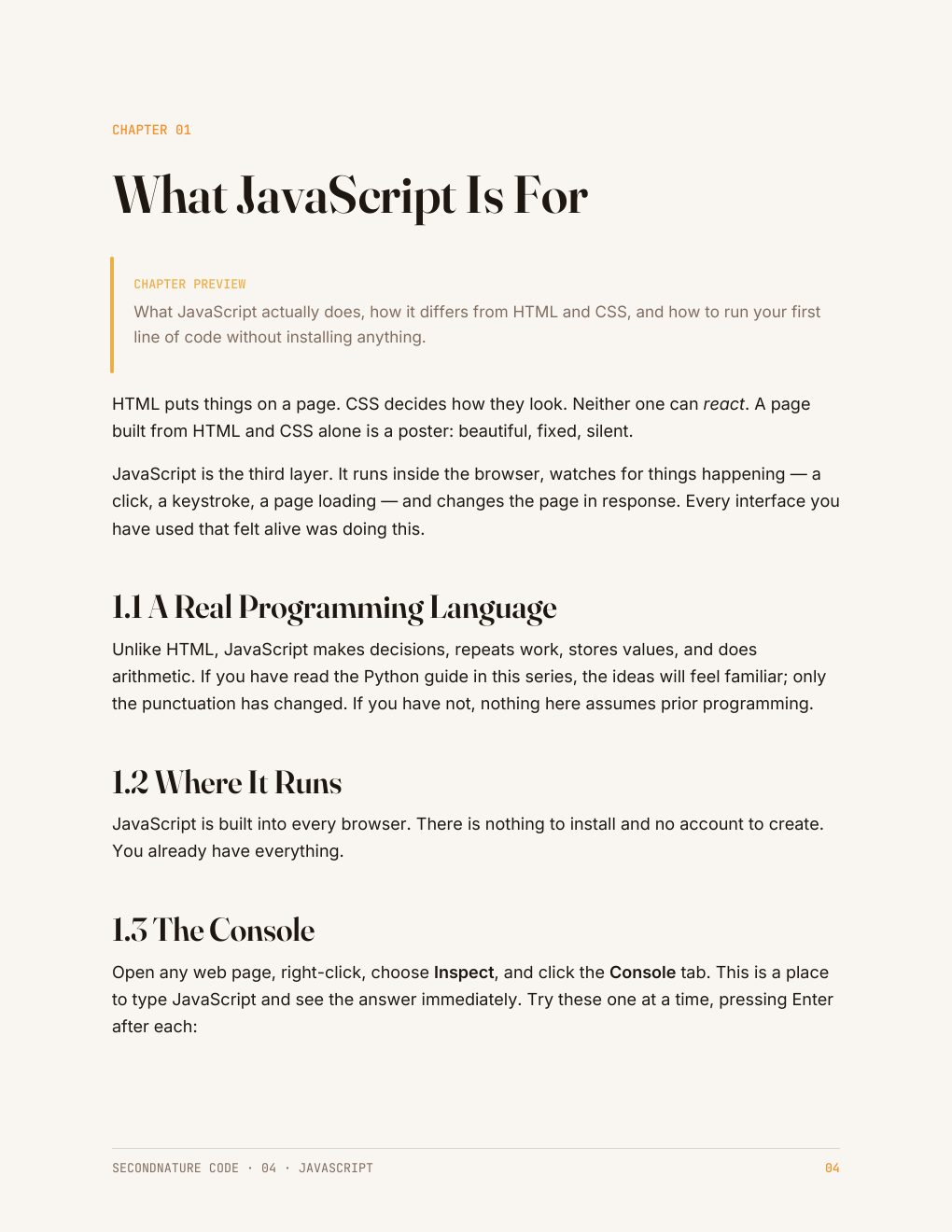
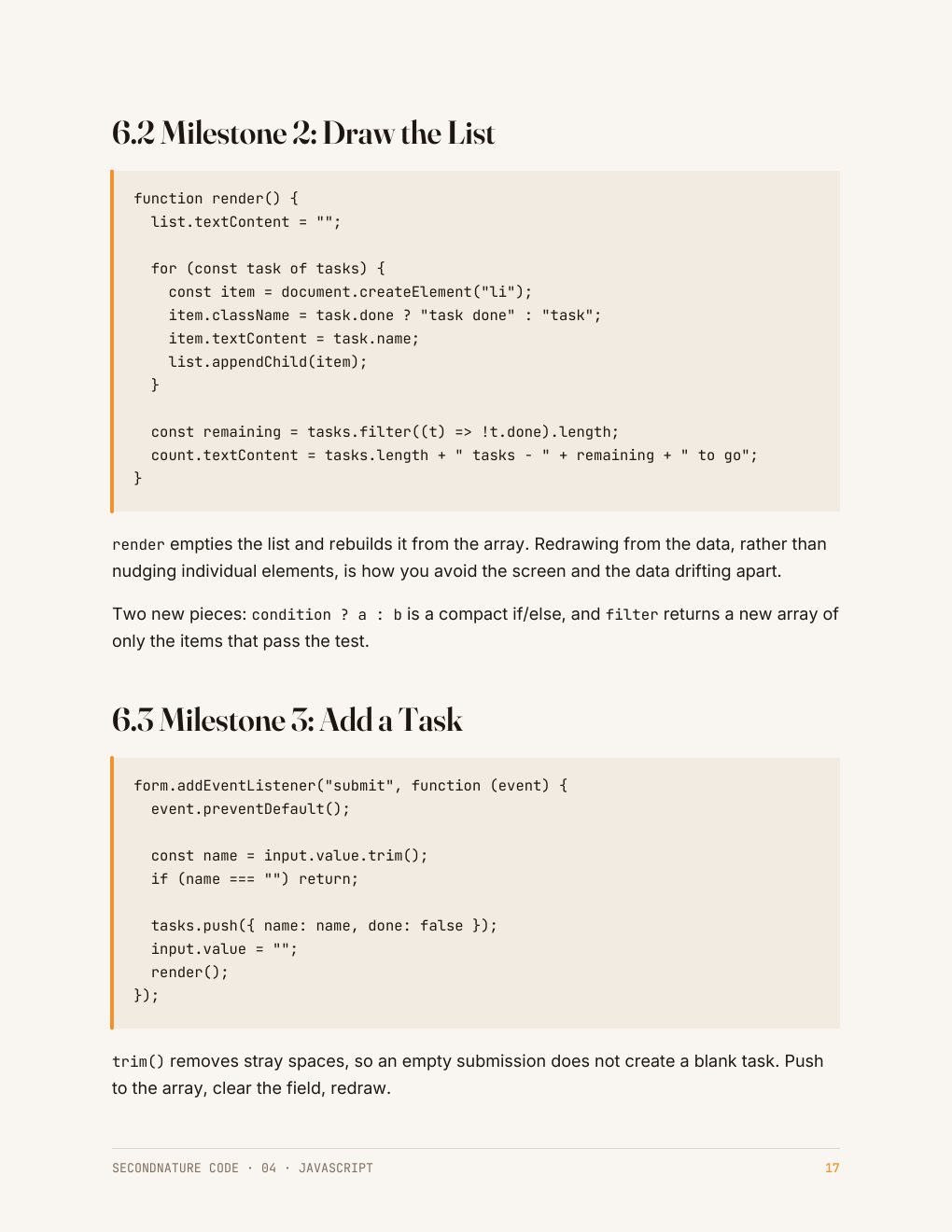
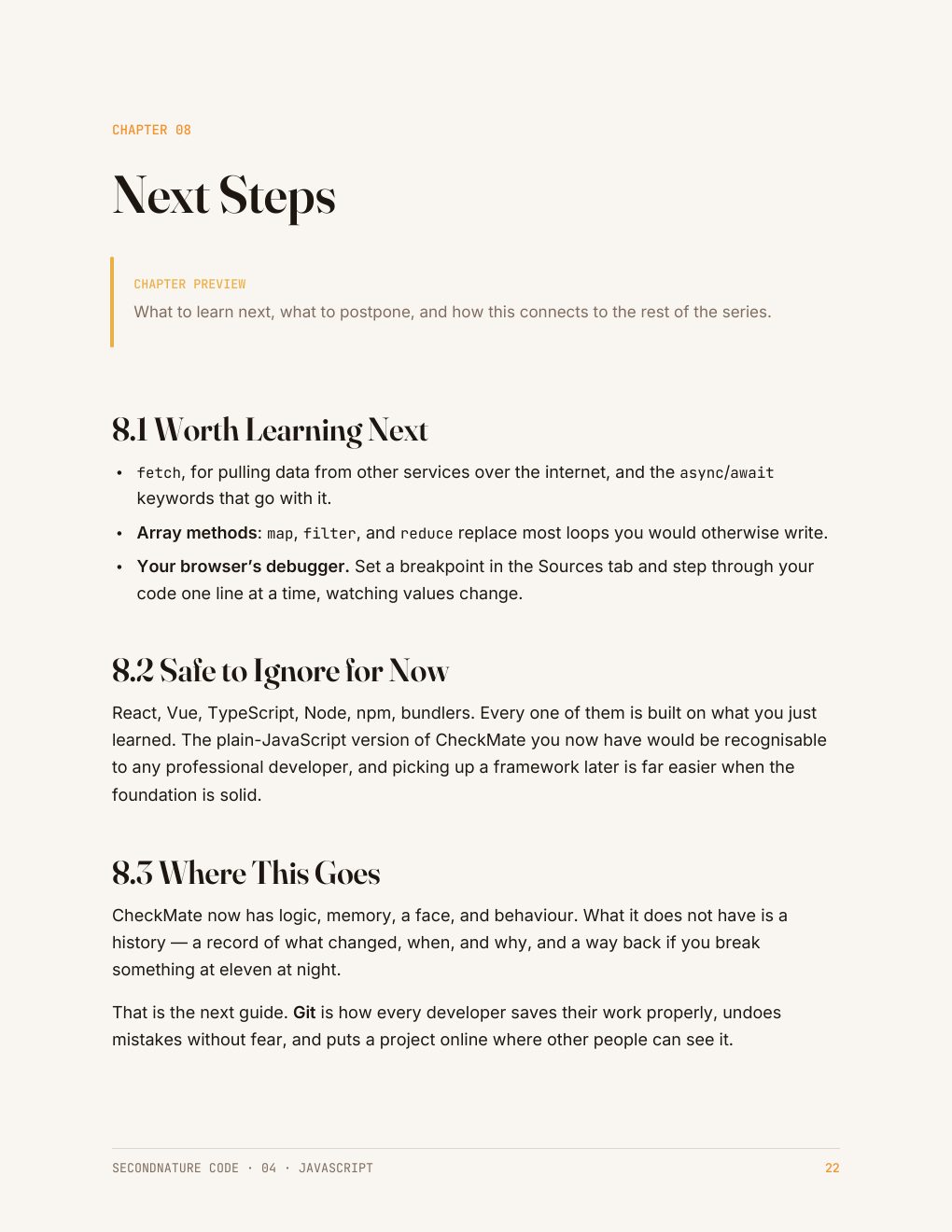
CheckMate — the small task tracker every SecondNature code guide builds — is what these pages are working towards. Foundations gets it running; Level 2 makes it real. See the rest of the collection →
Who it's for
People tired of copying snippets they don't understand.
You've pasted JavaScript into a site before and hoped. This guide gives you the model underneath it — what runs, when it runs, and why the button sometimes does nothing.
No frameworks, no build step, no npm. Just a file, a browser, and code you can read back a month later.
Questions
Before you buy
Do I need the HTML & CSS guide first?
It helps, but it isn't required. The guide includes the small amount of HTML you need, written out in full.
Is this React or a framework?
No. This is plain JavaScript in the browser — the foundation every framework is built on top of.
Are the examples tested?
Yes. Every snippet was run before publishing, so what you type is what actually works.
What do I get after checkout?
An instant download link for a clean, print-friendly PDF. Yours to keep, on any device or printed.
The collection this belongs to
All five Foundations guides for $51.
Python, SQL, HTML and CSS, JavaScript, and Git — the five guides that take a task tracker from an empty folder to a published project. Read in any order, each one stands alone.
Python · SQL · HTML & CSS · JavaScript · Git · 129 pages in total
$51
$60 bought separately · save $9
Instant download · 30-day money-back guarantee · payment handled by Paddle.
Press the button. Something happens.
24 pages · $12 · instant download · yours to keep.
Free sample chapter
Read chapter one before you spend anything
Seven pages from the Python guide — the start of CheckMate, the small task tracker the code guides build. It shows you exactly how a guide reads: what the tool is for, where it fits in a real app, and how the next guide picks the project up. Send us an address and it lands in your inbox in a moment.