Quick Start Guide · 05 · Beginner
Save your work properly — with Git.
No more final_v3_FINAL folders. Learn the handful of commands that keep a project safe, plus exactly how to undo the mistakes that scare people off.
30-day money-back guarantee. Payment is handled by Paddle, our Merchant of Record. See the refund policy and terms.
Quick Start Guide · 05
Git
Never lose
your work
Beginner
What's inside
Seven chapters, from first commit to published project.
01
Why version control exists
What Git actually does, why it isn't a backup, and the difference between Git and GitHub in one page.
02
Set up once, calmly
Install, tell Git who you are, and create your first repository — on Mac or Windows, side by side.
03
The everyday loop
Status, add, commit. The three commands you'll run hundreds of times, and how to write a message you'll thank yourself for.
04
History and undo
Read your own history, recover a deleted file, and back out of a mistake without panic.
05
Branches without fear
Try an idea safely, merge it back, and handle a conflict the first time you meet one.
06
Putting CheckMate on GitHub
Push a real project online, keep secrets out of it, and understand what everyone else can see.
Look inside
Three real pages from the 23-page PDF.
Rendered straight from the file you'll download — an explanation, a worked step, and a page from the build. No mock-ups, no stock screenshots of someone else's screen.
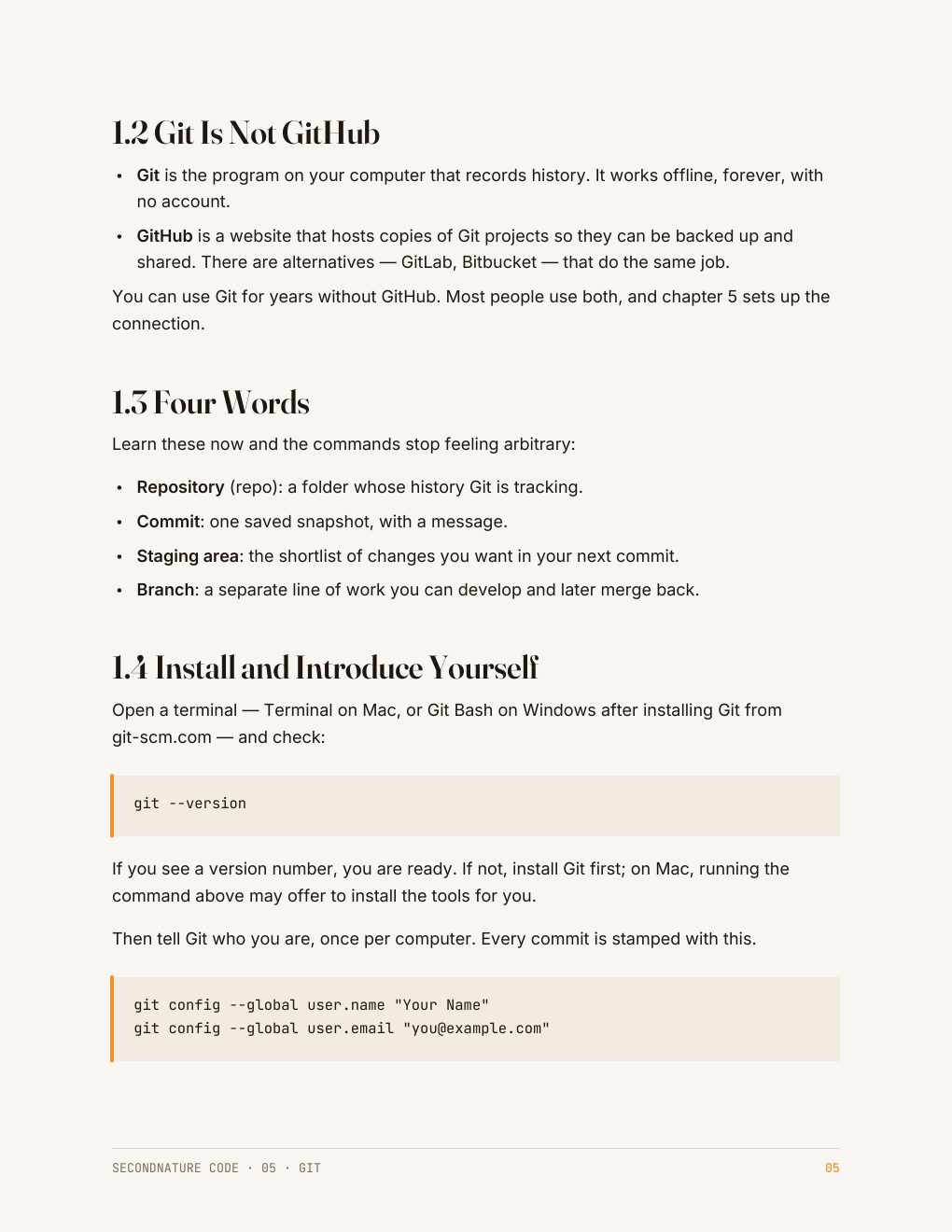
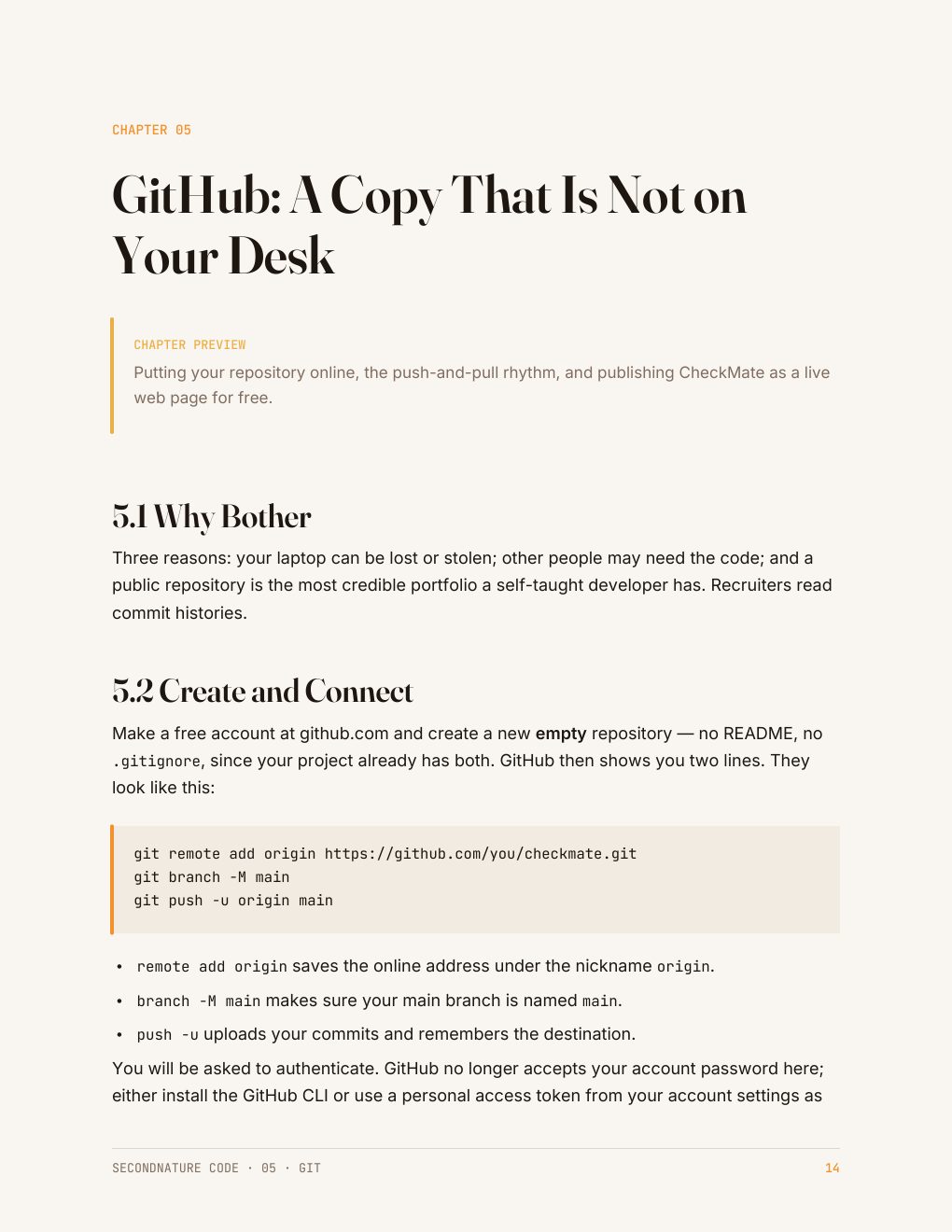
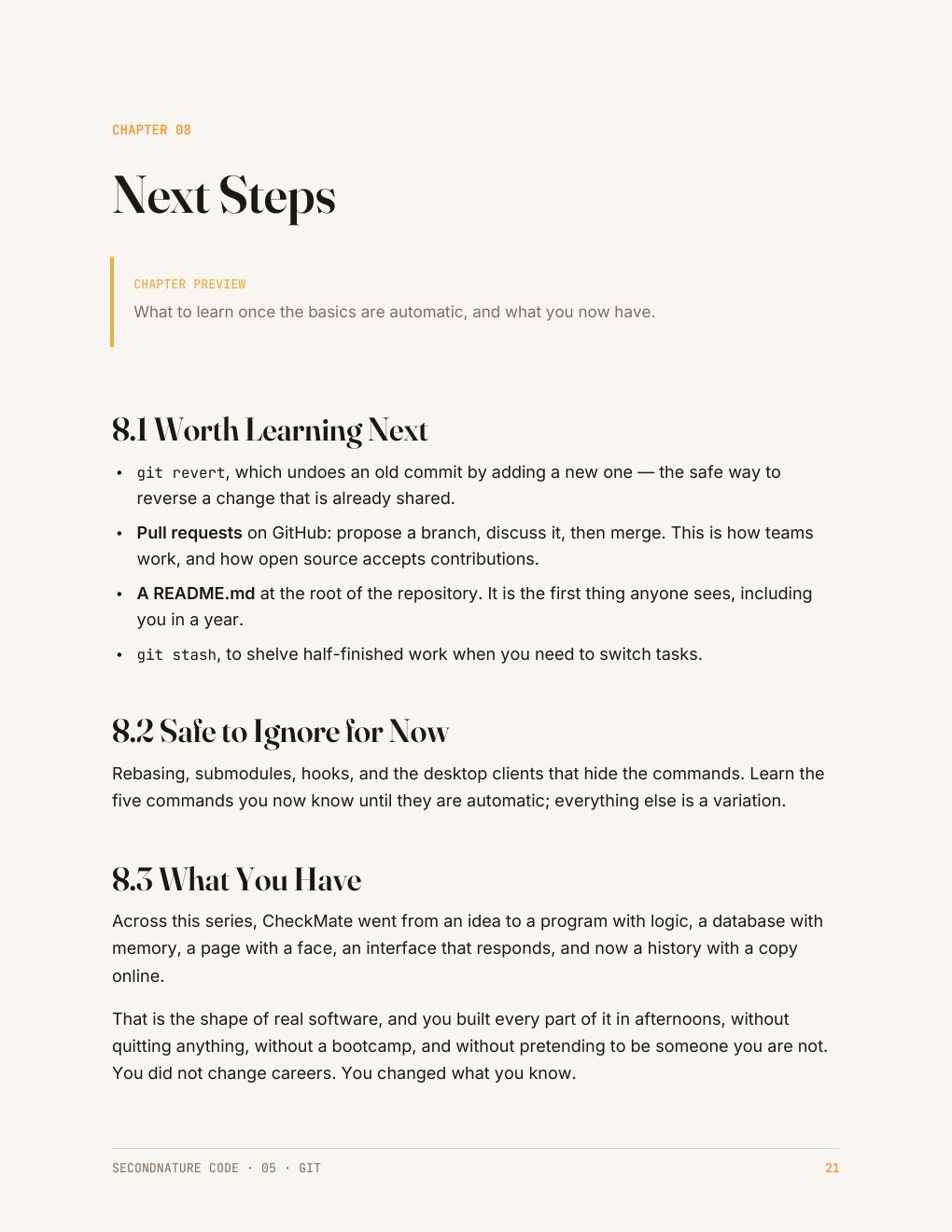
CheckMate — the small task tracker every SecondNature code guide builds — is what these pages are working towards. Foundations gets it running; Level 2 makes it real. See the rest of the collection →
Who it's for
People who've already lost work once.
Git is the safety net every developer takes for granted and no one explains. This guide teaches it as a habit — a few commands a day — rather than a manual to memorize.
Useful even if you never write code: writers, analysts, and anyone who versions files by renaming them.
Questions
Before you buy
Do I need the earlier guides?
No. Git works with any files at all — code, documents, spreadsheets. You can start here.
Do I need a GitHub account?
Only for chapter 6, and the free account is all you need. Everything before that runs on your own computer.
What if I break something?
Chapter 4 is entirely about undoing safely, including recovering files you thought were gone.
What do I get after checkout?
An instant download link for a clean, print-friendly PDF. Yours to keep, on any device or printed.
The collection this belongs to
All five Foundations guides for $51.
Python, SQL, HTML and CSS, JavaScript, and Git — the five guides that take a task tracker from an empty folder to a published project. Read in any order, each one stands alone.
Python · SQL · HTML & CSS · JavaScript · Git · 129 pages in total
$51
$60 bought separately · save $9
Instant download · 30-day money-back guarantee · payment handled by Paddle.
Your work, saved and recoverable.
23 pages · $12 · instant download · yours to keep.
Free sample chapter
Read chapter one before you spend anything
Seven pages from the Python guide — the start of CheckMate, the small task tracker the code guides build. It shows you exactly how a guide reads: what the tool is for, where it fits in a real app, and how the next guide picks the project up. Send us an address and it lands in your inbox in a moment.