Quick Start Guide · 12 · No coding needed
Get the numbers out of whatever they arrive in.
Eight chapters on the sources that actually turn up at work: a PDF that is not a document, an export with three headers, a table on a web page, and a pile of attachments with no useful names.
30-day money-back guarantee. Payment is handled by Paddle, our Merchant of Record. See the refund policy and terms.
Quick Start Guide · 12
Get Data Out of Anything
One clean table
from any source
No coding needed
What's inside
Eight chapters, one clean table at the end.
01
Why the numbers are never in a table
The five shapes work data arrives in, and why the first job is always getting it into rows.
02
Copy-paste, done properly
What a paste really contains, the mess it drags in with it, and the ten lines that clean it up.
03
The export that lies: CSVs with attitude
Wrong encoding, wrong delimiter, header on the third line, and the decimal comma that turns a figure into text.
04
Reading a PDF that isn't a document
Pulling a number off a page by its label, and knowing when the answer is that the file simply does not say.
05
Getting a table off a web page
Finding the table in the page's own structure and writing it out as rows rather than retyping it.
06
The email attachment pile
Sorting a folder of downloads by date and sender so the week's files can be found again in ten seconds.
07
One clean table in one place
Combining what you pulled into a single checked file, with the types converted on the way in.
08
Checking you didn't invent anything
Rows in, rows out, totals matching, and three random spot checks that catch the rest.
Look inside
Three real pages from the 33-page PDF.
Rendered straight from the file you'll download — an explanation, a worked step, and a page from the build. No mock-ups, no stock screenshots of someone else's screen.
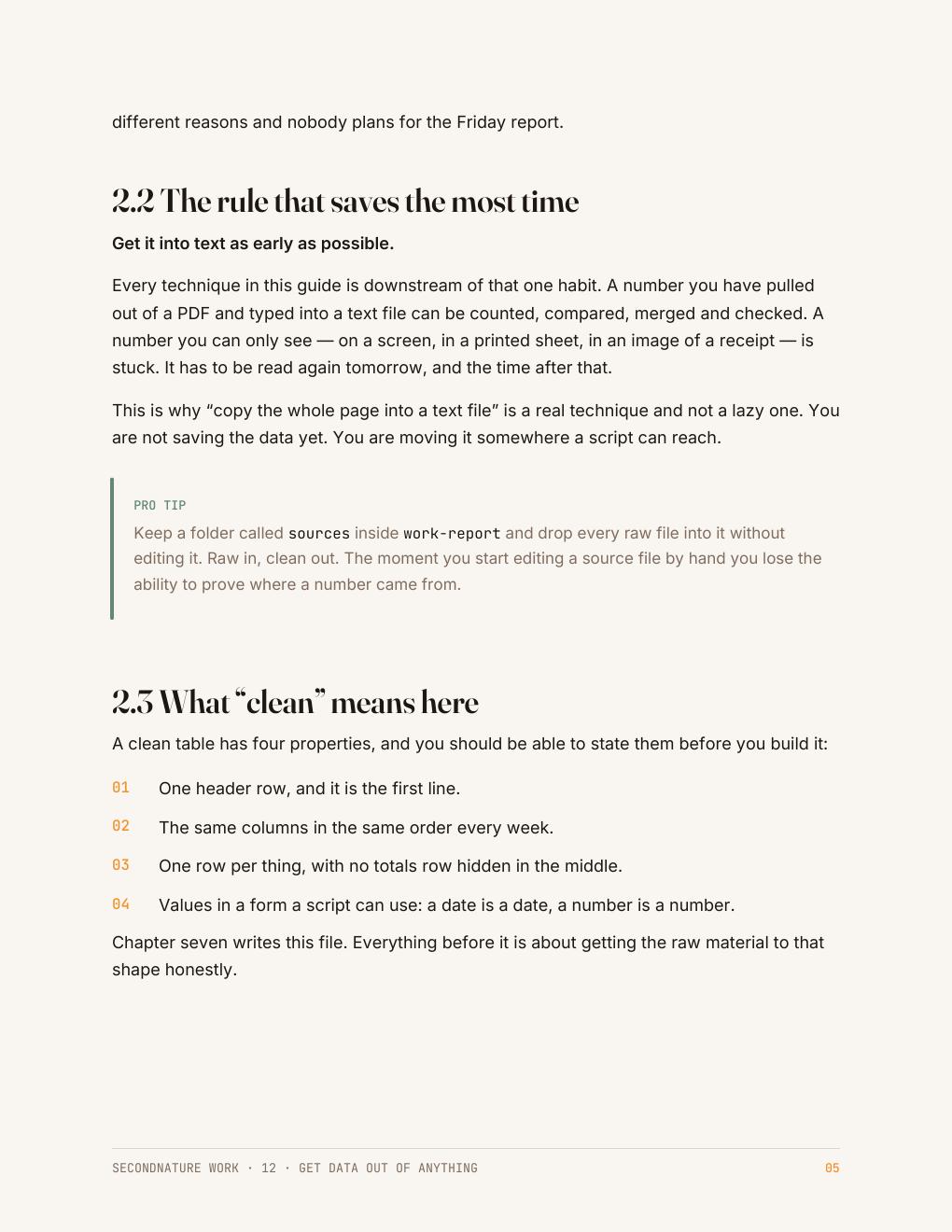
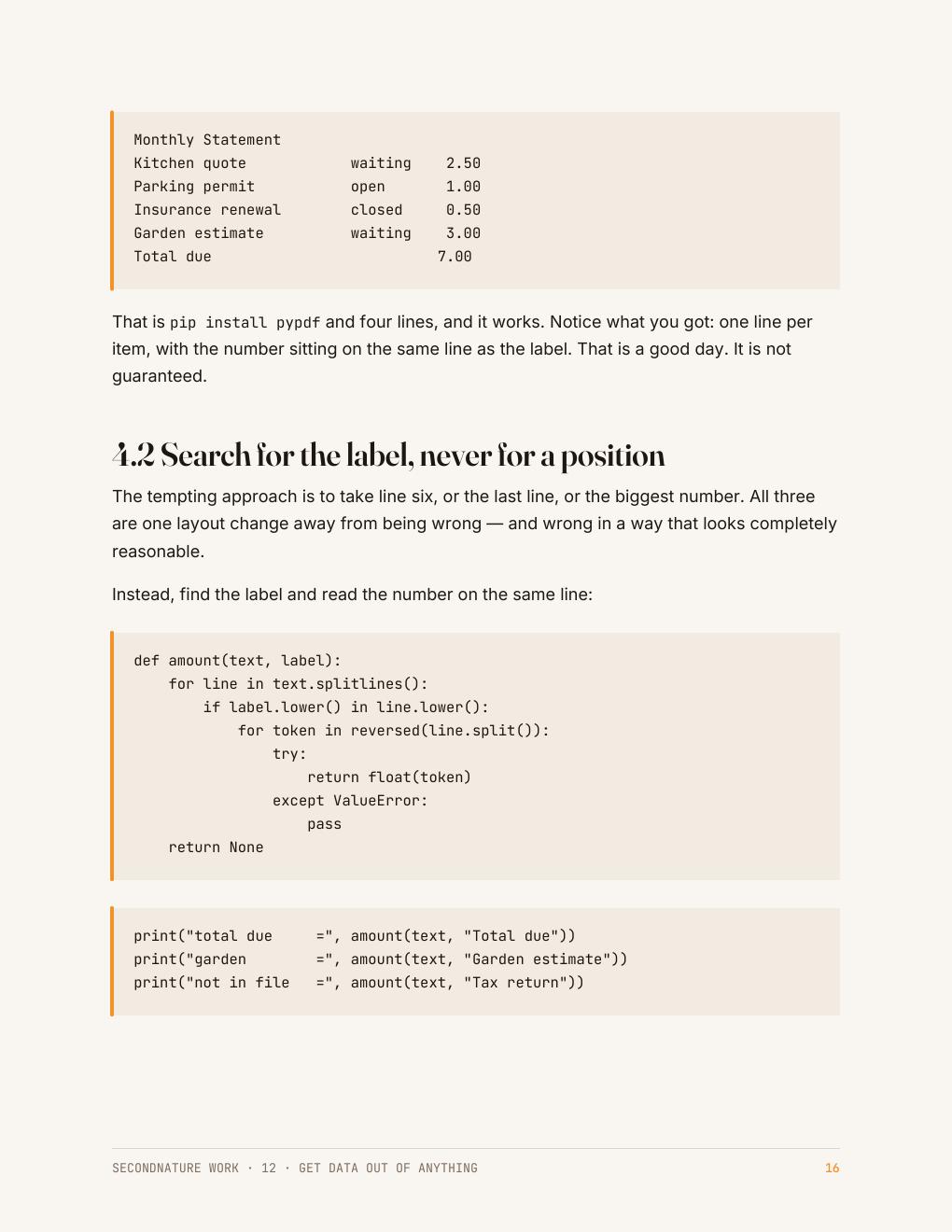
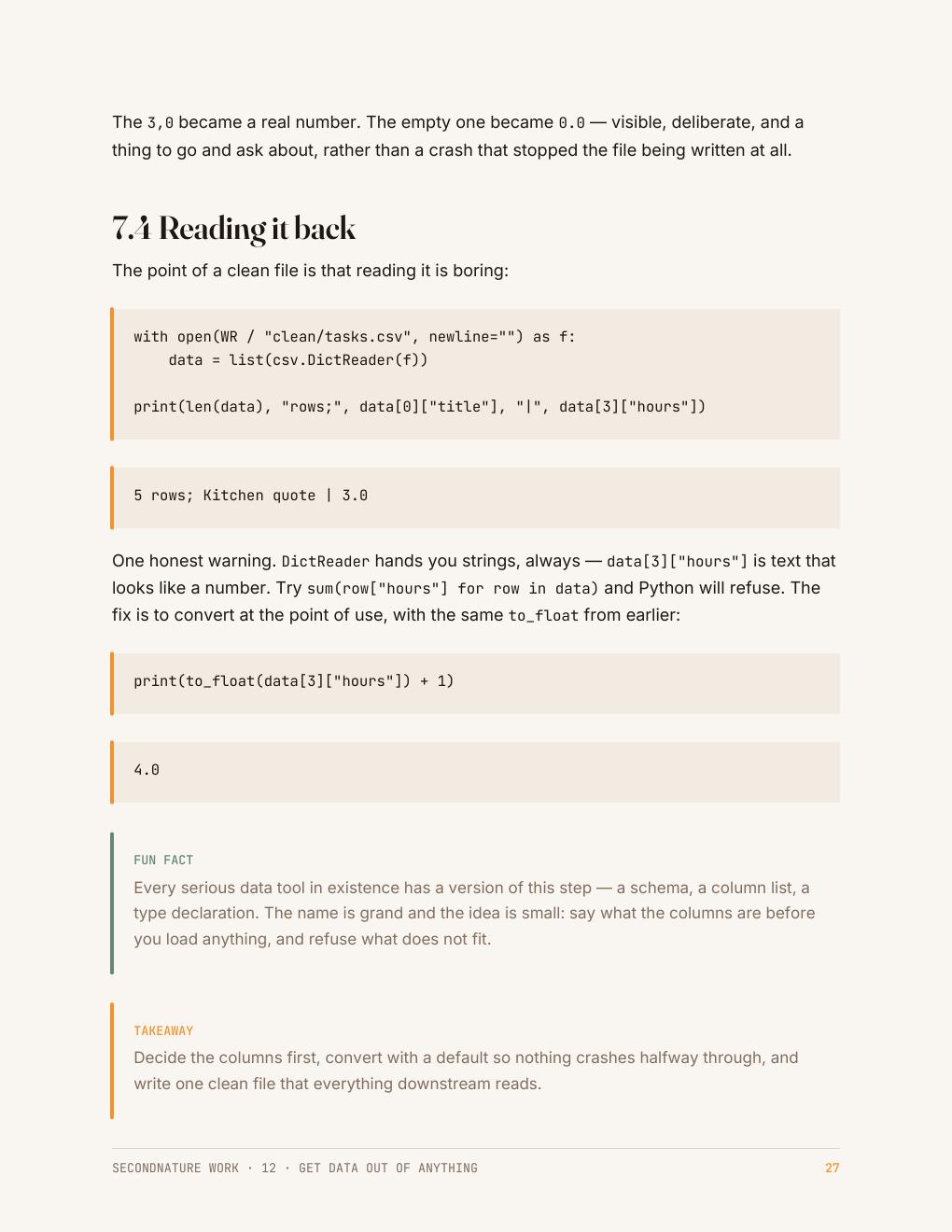
The Friday report — the one page the At Work set builds — is what these pages are working towards: the numbers pulled out of a file, checked, charted, and put in front of someone without you holding the process. See the rest of the collection →
Who it's for
People who keep being handed a PDF when they need a number.
You have been sent a statement, a scan, an export and a link, and you are expected to produce one figure by the end of the day.
This guide covers the sources that actually turn up — including the ones that are broken on purpose, because that is what an export does.
Questions
Before you buy
Do I need to know how to code?
No. Each chapter starts from a real broken file and shows the whole script, with what it printed.
Does this scrape websites?
It reads pages you already have a right to open, one table at a time, and it says when a site is not worth the trouble.
What about a password-protected PDF?
Those need the password and a different tool — the guide is honest about where its methods stop.
What do I get after checkout?
An instant download link for a clean, print-friendly PDF. Yours to keep, on any device or printed.
The collection this belongs to
All five At Work guides for $64.
Automating a task you repeat, getting data out of a page, using AI at work and checking what it gives you, presenting your numbers so they get believed, and setting the week up to run without you. No coding experience needed.
Automate the Boring Part · Get Data Out of Anything · Use AI at Work · Make It Look Professional · Make It Run Without You · 165 pages in total
$64
$75 bought separately · save $11
Instant download · 30-day money-back guarantee · payment handled by Paddle.
One table you can actually trust.
33 pages · $15 · instant download · yours to keep.
Free sample chapter
Read chapter one before you spend anything
Seven pages from the Python guide — the start of CheckMate, the small task tracker the code guides build. It shows you exactly how a guide reads: what the tool is for, where it fits in a real app, and how the next guide picks the project up. Send us an address and it lands in your inbox in a moment.