Quick Start Guide · 11 · No coding needed
Take back the hour you spend on Fridays.
Eight chapters on the boring part of a week of files: opening them with a script, finding this week's set, renaming a hundred of them in one command, and merging every sheet into one table you can trust.
30-day money-back guarantee. Payment is handled by Paddle, our Merchant of Record. See the refund policy and terms.
Quick Start Guide · 11
Automate the Boring Part
A weekly task
that runs itself
No coding needed
What's inside
Eight chapters, every example run before it was printed.
01
The hour the Friday report costs
What the week actually costs you in clicks, and the one job worth handing to a script first.
02
Opening a file with a script
Reading a file, counting what is inside it, and seeing the numbers come back on the screen.
03
Finding this week's files
Listing a folder, sorting by date, and asking a folder for only what arrived in the last seven days.
04
Renaming a hundred files without touching one
A dry run first, a name that says when a file arrived, and a record that lets the whole rename be undone.
05
Merging the week into one master sheet
Adding three sheets together, keeping the header once, and ending with a total you can check by hand.
06
Turning it into a command you run
Saving the whole job as one script, and the two habits that stop a working script from drifting.
07
When it goes wrong, and how to get the week back
The four failures a first automation actually has, and the recovery that works for every one of them.
08
The hour back
What you do with the time, and the next job worth taking off your own hands.
Look inside
Three real pages from the 31-page PDF.
Rendered straight from the file you'll download — an explanation, a worked step, and a page from the build. No mock-ups, no stock screenshots of someone else's screen.
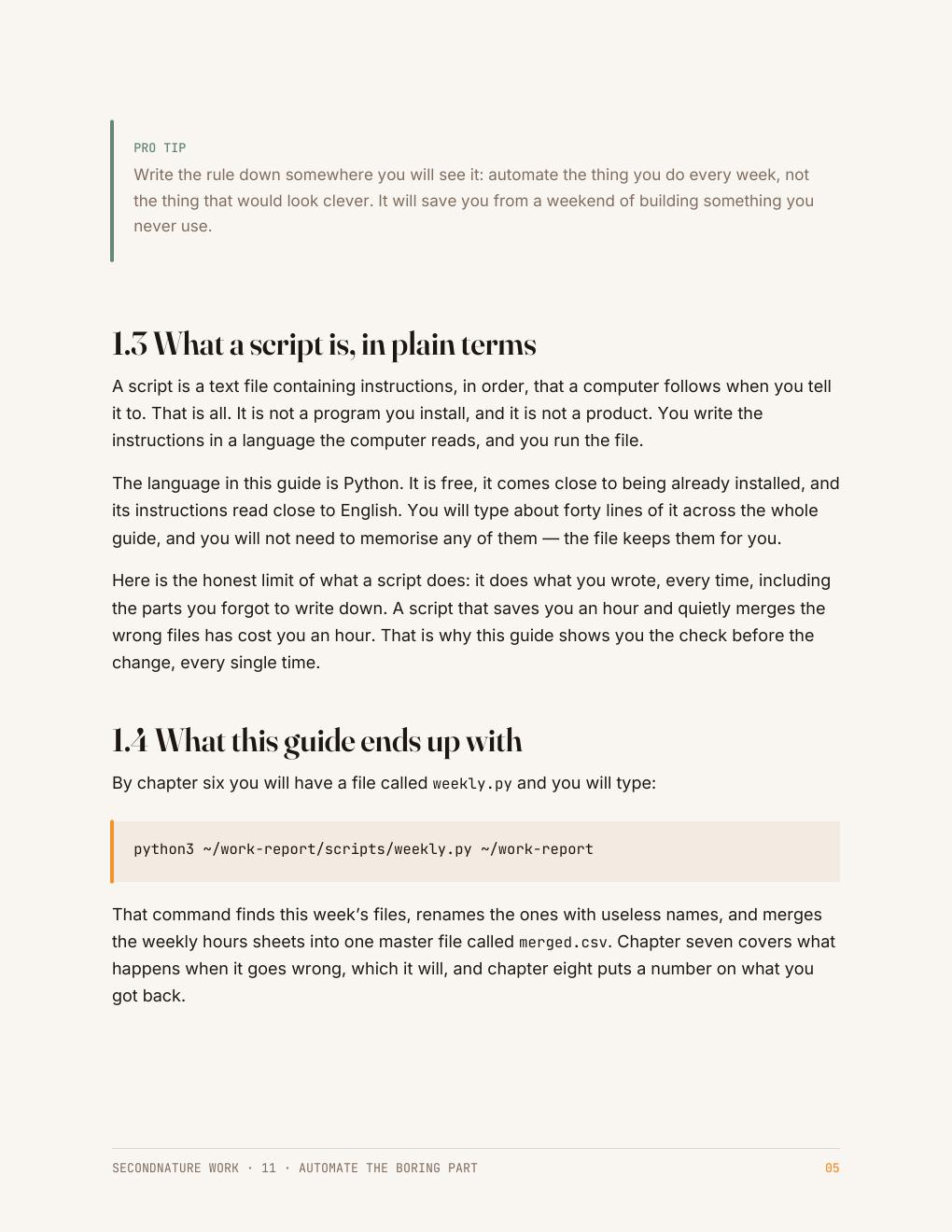
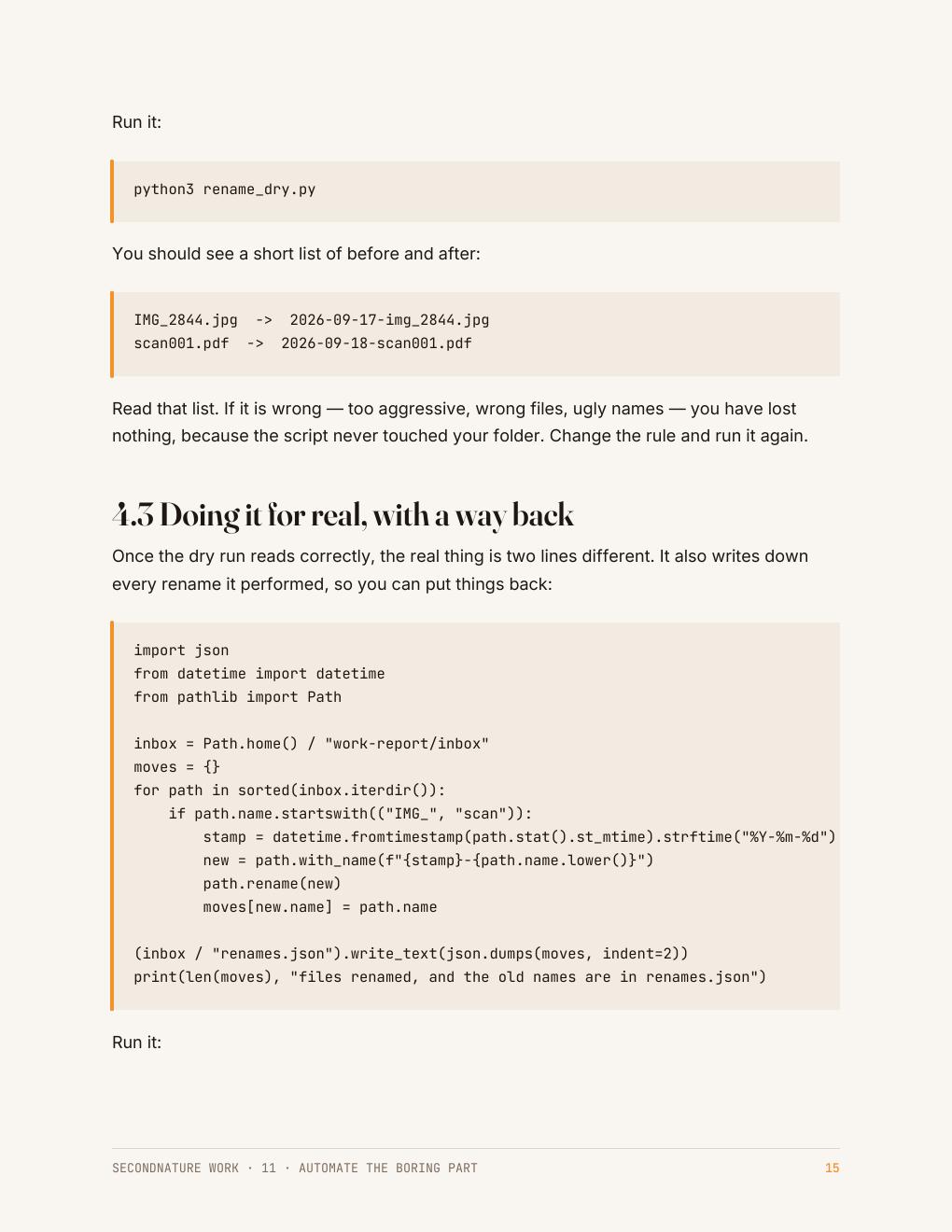
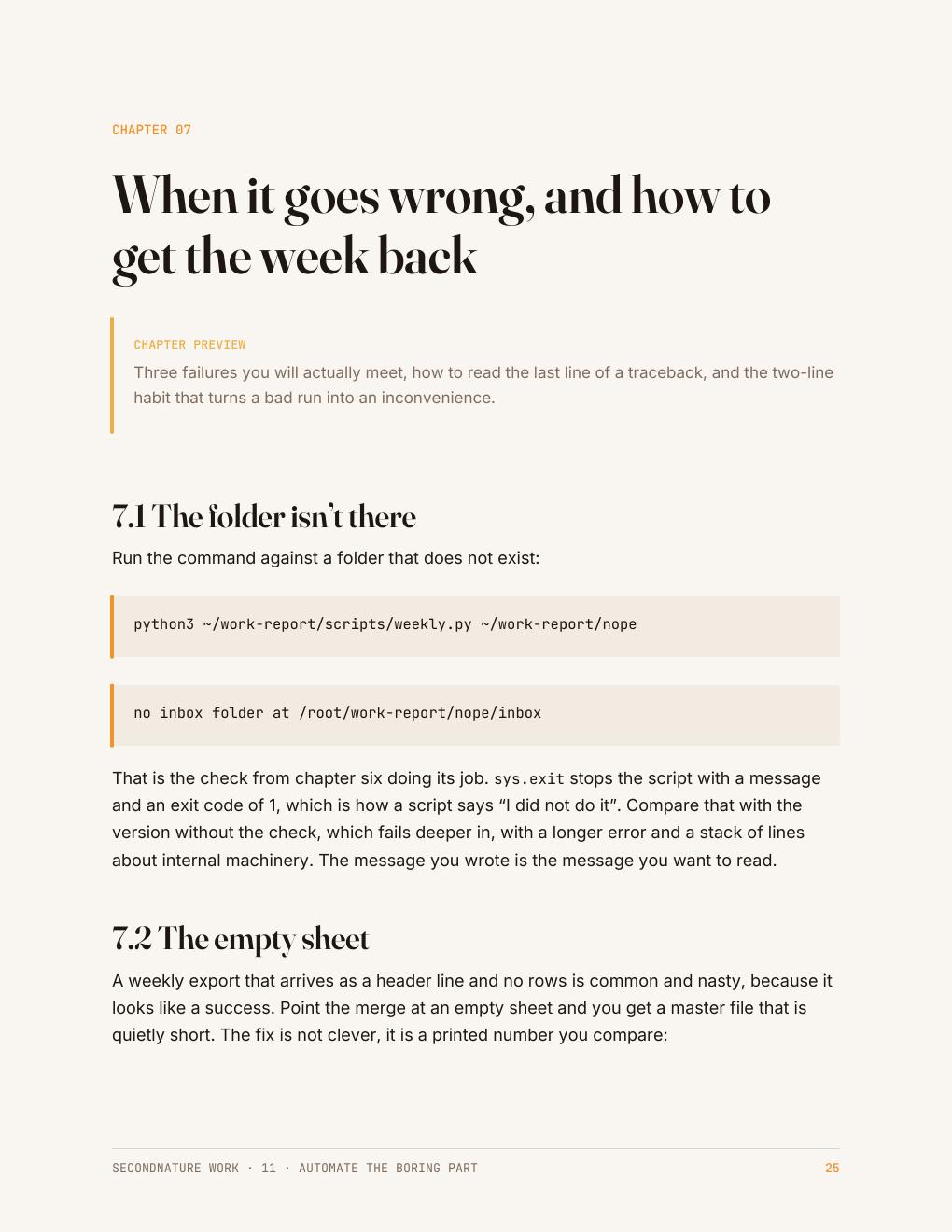
The Friday report — the one page the At Work set builds — is what these pages are working towards: the numbers pulled out of a file, checked, charted, and put in front of someone without you holding the process. See the rest of the collection →
Who it's for
People who do the same four things every Friday.
You are not trying to become a programmer. You want the folder of files that arrives every week to stop needing an hour of your attention.
Everything here runs with the Python that is already on your machine, and every example was run on a real folder of messy files before it was printed.
Questions
Before you buy
Do I need to know how to code?
No. Every script in this guide is written out in full, one line at a time, with what it printed next to it.
Will this work on my work computer?
It runs on Windows and Mac with the standard Python that ships or installs free. Some workplaces restrict installs — the guide says what to ask IT for.
What if a script messes up my files?
Every change that could damage anything is done on a copy first, and the rename step writes a record that puts every name back.
What do I get after checkout?
An instant download link for a clean, print-friendly PDF. Yours to keep, on any device or printed.
The collection this belongs to
All five At Work guides for $64.
Automating a task you repeat, getting data out of a page, using AI at work and checking what it gives you, presenting your numbers so they get believed, and setting the week up to run without you. No coding experience needed.
Automate the Boring Part · Get Data Out of Anything · Use AI at Work · Make It Look Professional · Make It Run Without You · 165 pages in total
$64
$75 bought separately · save $11
Instant download · 30-day money-back guarantee · payment handled by Paddle.
One command, and the hour is back.
31 pages · $15 · instant download · yours to keep.
Free sample chapter
Read chapter one before you spend anything
Seven pages from the Python guide — the start of CheckMate, the small task tracker the code guides build. It shows you exactly how a guide reads: what the tool is for, where it fits in a real app, and how the next guide picks the project up. Send us an address and it lands in your inbox in a moment.