Quick Start Guide · 13 · No coding needed
Point it at your data and check every line.
Eight chapters on the one workflow that holds up at work: the machine writes the words, a script checks the numbers, and nothing goes out until both say so.
30-day money-back guarantee. Payment is handled by Paddle, our Merchant of Record. See the refund policy and terms.
Quick Start Guide · 13
Use AI at Work
A draft you
would actually send
No coding needed
What's inside
Eight chapters, one checked draft at the end.
01
What it is actually good at
Two questions to answer before you paste anything, and the jobs a model does badly.
02
Give it the shape, not just a question
Writing the headings and the sentence pattern you want back, so the draft arrives already formed.
03
Print the figures, do not let it count
A script that works the numbers out from your own file, and a paste block that saves them for the prompt.
04
The prompt you keep
Saving the whole paste block in a file, and a changelog that says what you changed and why.
05
What came back
A real draft from a real week, and the two ways it fails when the rules are missing.
06
Checking it with a script
Figures, lists and coverage checked line by line, ending in a single word: PASS.
07
When it is wrong
The check that catches an invented task, the check that cannot, and what the human still has to read.
08
What it must never touch
Personal data, credentials and anything you would not put on a wall — plus keeping the three files together.
Look inside
Three real pages from the 35-page PDF.
Rendered straight from the file you'll download — an explanation, a worked step, and a page from the build. No mock-ups, no stock screenshots of someone else's screen.
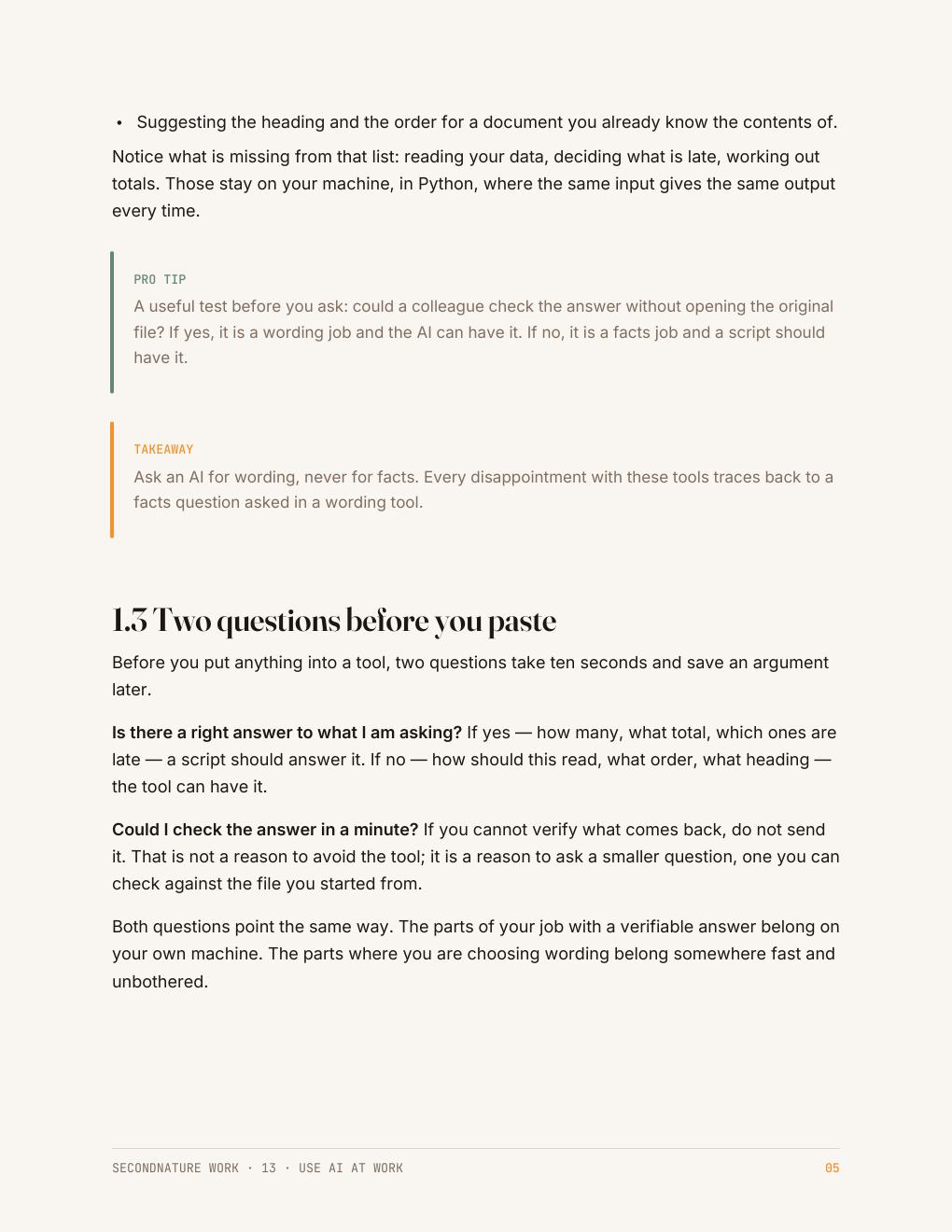
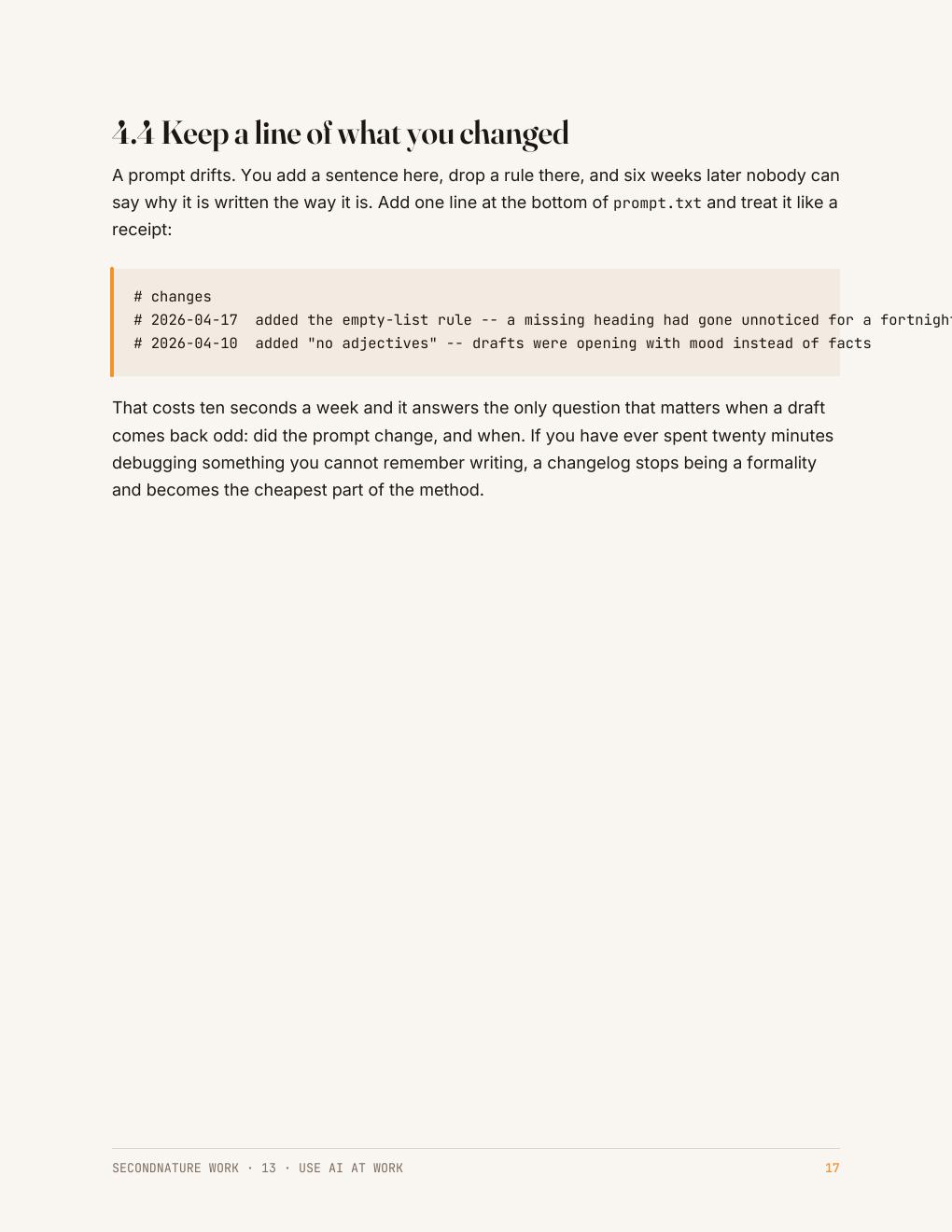
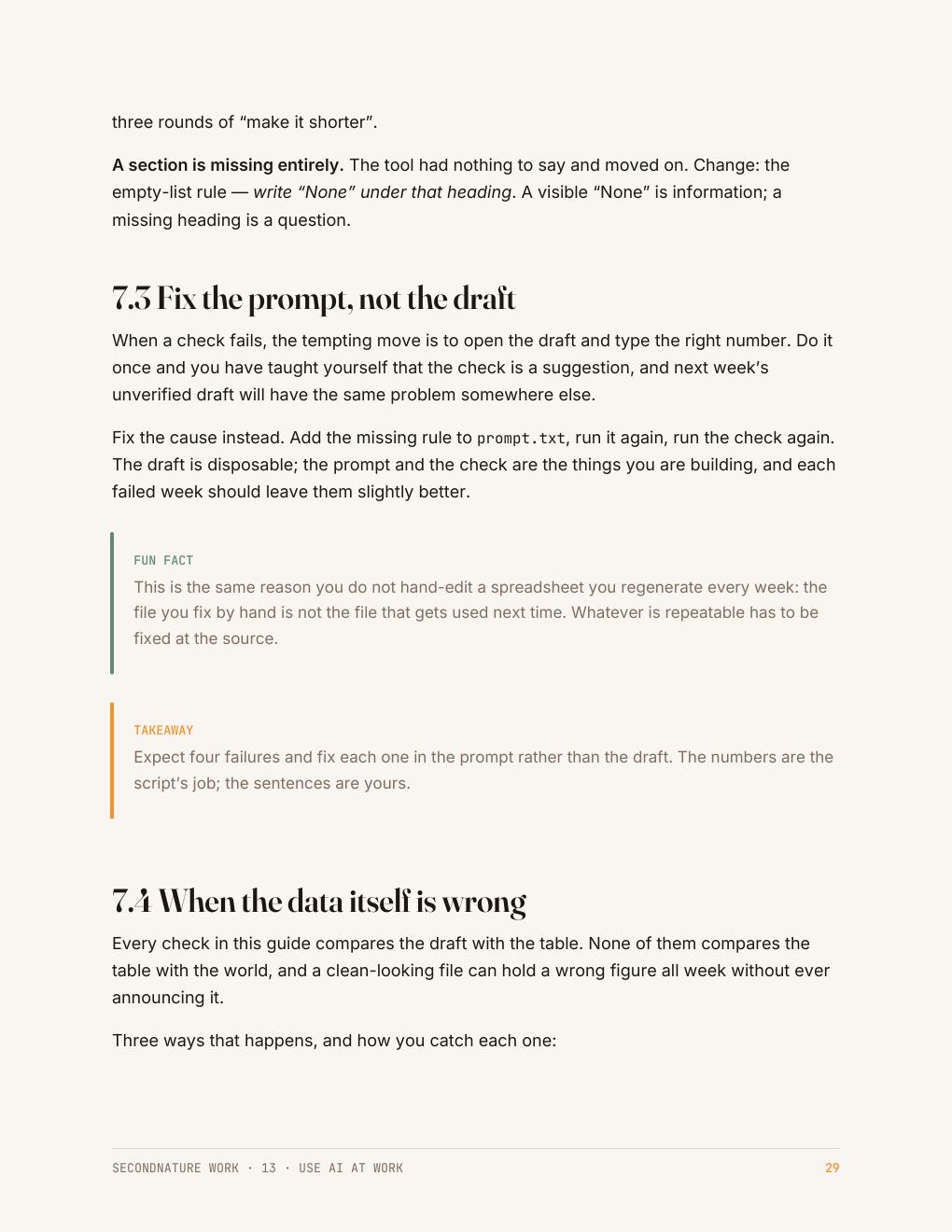
The Friday report — the one page the At Work set builds — is what these pages are working towards: the numbers pulled out of a file, checked, charted, and put in front of someone without you holding the process. See the rest of the collection →
Who it's for
People who want the first draft written, not a lecture on models.
You have tried pasting a question in and getting something generic back. The difference is giving the machine the shape of the answer and the figures from your own file.
Everything here is checked before it is sent, which is the part most people skip and the reason this workflow survives contact with a manager.
Questions
Before you buy
Which AI should I use?
Any chat model you already have access to. The guide is written so the workflow does not depend on one product.
Is it safe to put my data in?
The guide states the rule plainly: nothing personal, nothing you would not put on a wall, and never a credential.
Will the check catch a made-up sentence?
It catches wrong figures, missing items and dropped tasks. Invented prose is still your job, and the guide says why.
What do I get after checkout?
An instant download link for a clean, print-friendly PDF. Yours to keep, on any device or printed.
The collection this belongs to
All five At Work guides for $64.
Automating a task you repeat, getting data out of a page, using AI at work and checking what it gives you, presenting your numbers so they get believed, and setting the week up to run without you. No coding experience needed.
Automate the Boring Part · Get Data Out of Anything · Use AI at Work · Make It Look Professional · Make It Run Without You · 165 pages in total
$64
$75 bought separately · save $11
Instant download · 30-day money-back guarantee · payment handled by Paddle.
A draft you would actually send.
35 pages · $15 · instant download · yours to keep.
Free sample chapter
Read chapter one before you spend anything
Seven pages from the Python guide — the start of CheckMate, the small task tracker the code guides build. It shows you exactly how a guide reads: what the tool is for, where it fits in a real app, and how the next guide picks the project up. Send us an address and it lands in your inbox in a moment.